

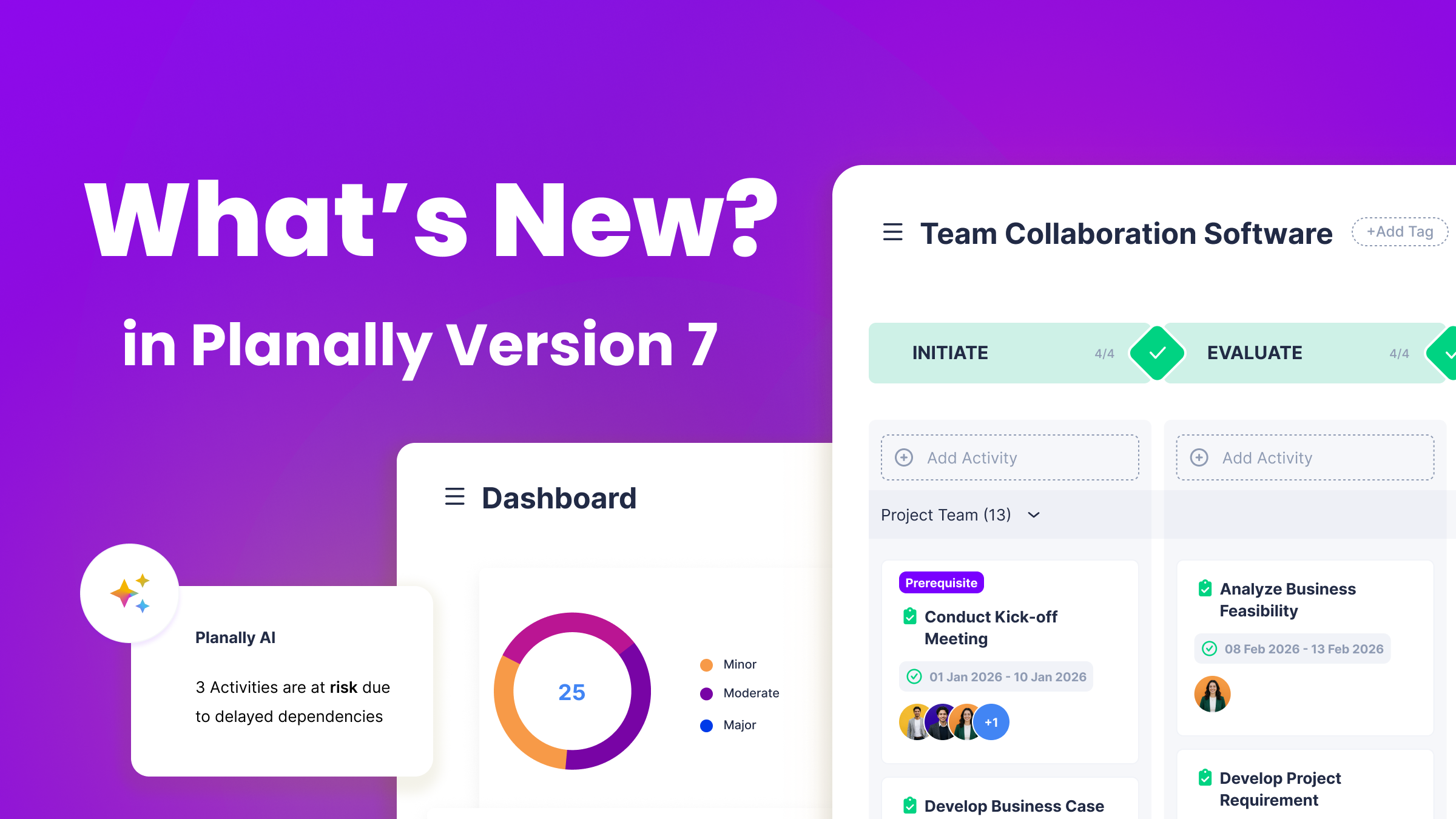
 A More Intelligent Way to Run Every Workflow
Planally Version 7.0 isn’t just an update. It’s the release where Planally starts thinking alongside you.
At the center of it is Planally AI, an AI assistant and the biggest addition in this release. Instead of digging through dashboards or pinging teammates for a status update, you can now ask Planally AI directly: what’s overdue, what’s waiting on your approval, or where work actually stands, and get an answer pulled straight from your live workflow data, not a guess. It’s grounded in the same ownership, approvals, and progression your team already governs every activity by, so what you get back reflects what’s actually happening, not what a report said last week.
Right alongside it is Editable Table, a new addition to Form Builder that lets you capture structured data tables directly inside an activity itself. Data such as risks, deliverables, or assets now lives natively inside the form, instead of as a spreadsheet attached after the fact and reconciled by hand later.
This version also gives your teams a single home for every document, dashboards built around what matters to you, and a clearer way to track everything waiting on your attention, so you can surface risk before it escalates and act on live data instead of reconstructed reports. Whether you’re running a single workflow or governing a full portfolio, Version 7.0 helps you spend less time chasing information and more time acting on it.
Here’s what’s new:
Planally AI: Execution Intelligence, On Demand
What it does
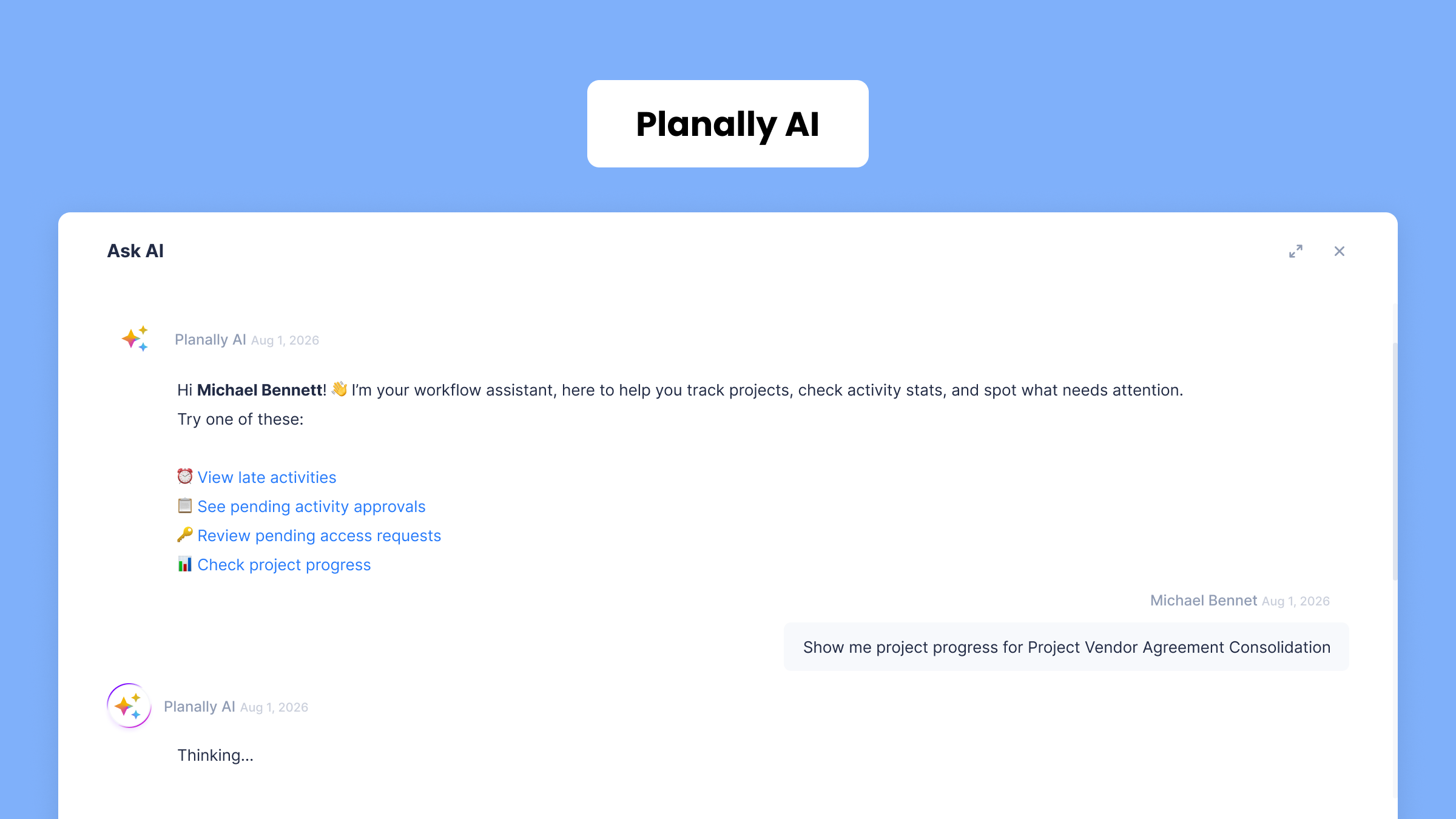
Planally AI is an AI assistant, available as an optional add-on. Ask what’s overdue, what’s waiting on your approval, or where work stands, and get an answer grounded in real workflow data.
How it works
- Open Planally AI from the sidebar and ask a question.
- Get answers about your workflows or activities.
- Ask about anything happening in your workflow.
- Follow up in the same conversation.
Why it matters
- Surfaces stalled work before it becomes a bigger problem.
- Every answer is grounded in real workflow data.
- Removes the need to reconstruct status manually.
This is just the beginning. Planally AI will keep getting smarter with every release.
Reminders: Everything Pending, One Screen
 What it does
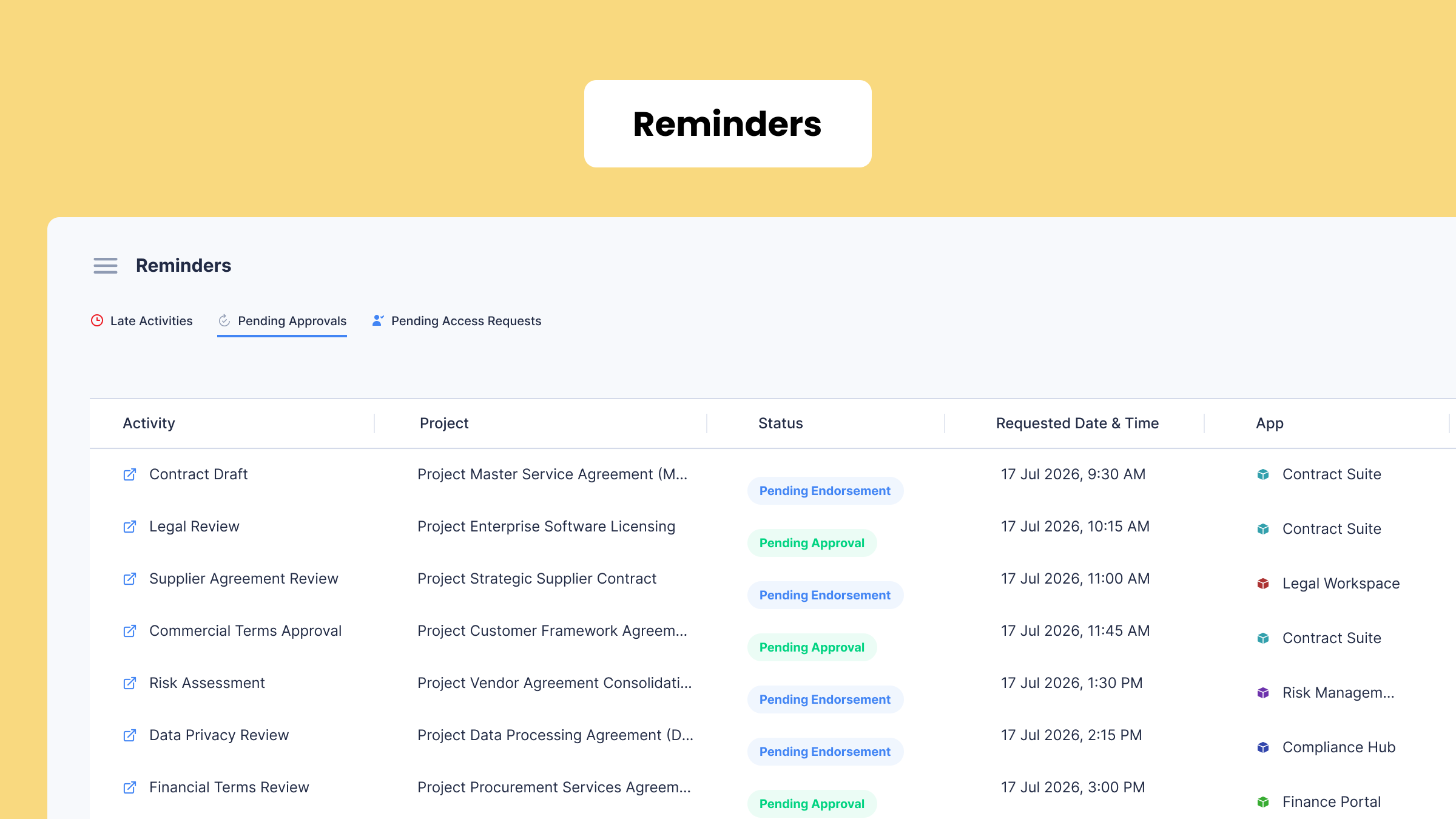
Reminders is a brand new feature: a dedicated hub for everything the system needs from you, including late activities, pending approvals, and access requests.
How it works
- Open Reminders from the sidebar.
- See three tabs: Late Activities, Pending Approvals, Pending Access Requests.
- Click any item to jump straight to it.
Why it matters
- Answers “what do I owe?” in one screen.
- Nothing slips past a planned date unnoticed.
- You control which reminders reach your inbox.
Notification Center: From Sidebar to Full Center
 What it does
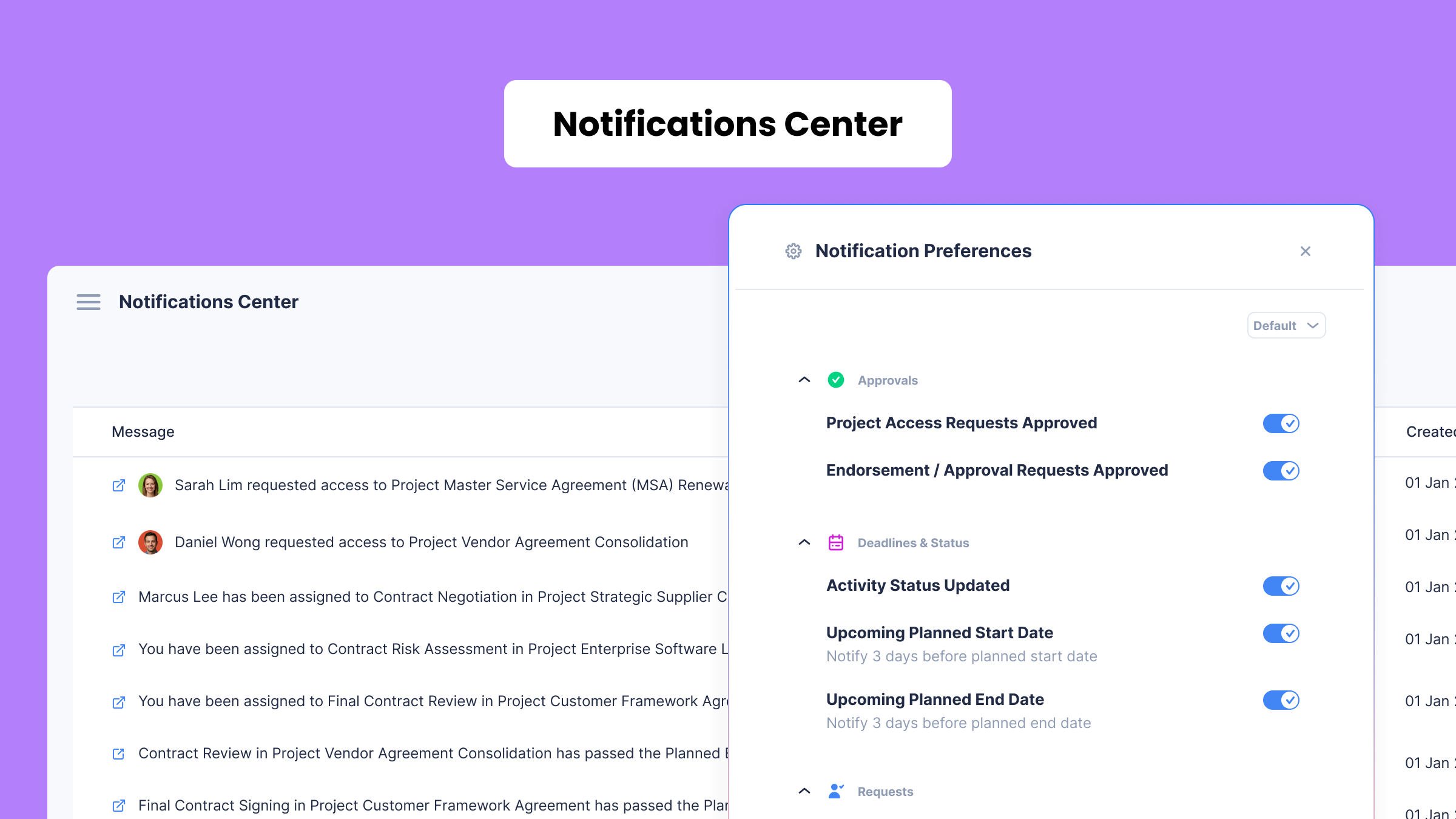
Notifications used to live in a simple sidebar. Now there’s a full Notification Center to navigate and search everything you’ve received.
How it works
- Open the Notification Center to browse your history.
- Search and filter to find an update quickly.
- Access it from the sidebar without leaving your page.
Why it matters
- Nothing gets lost in a scrolling dropdown.
- Three months of history stay on hand.
- Easier to stay on top of every workflow.
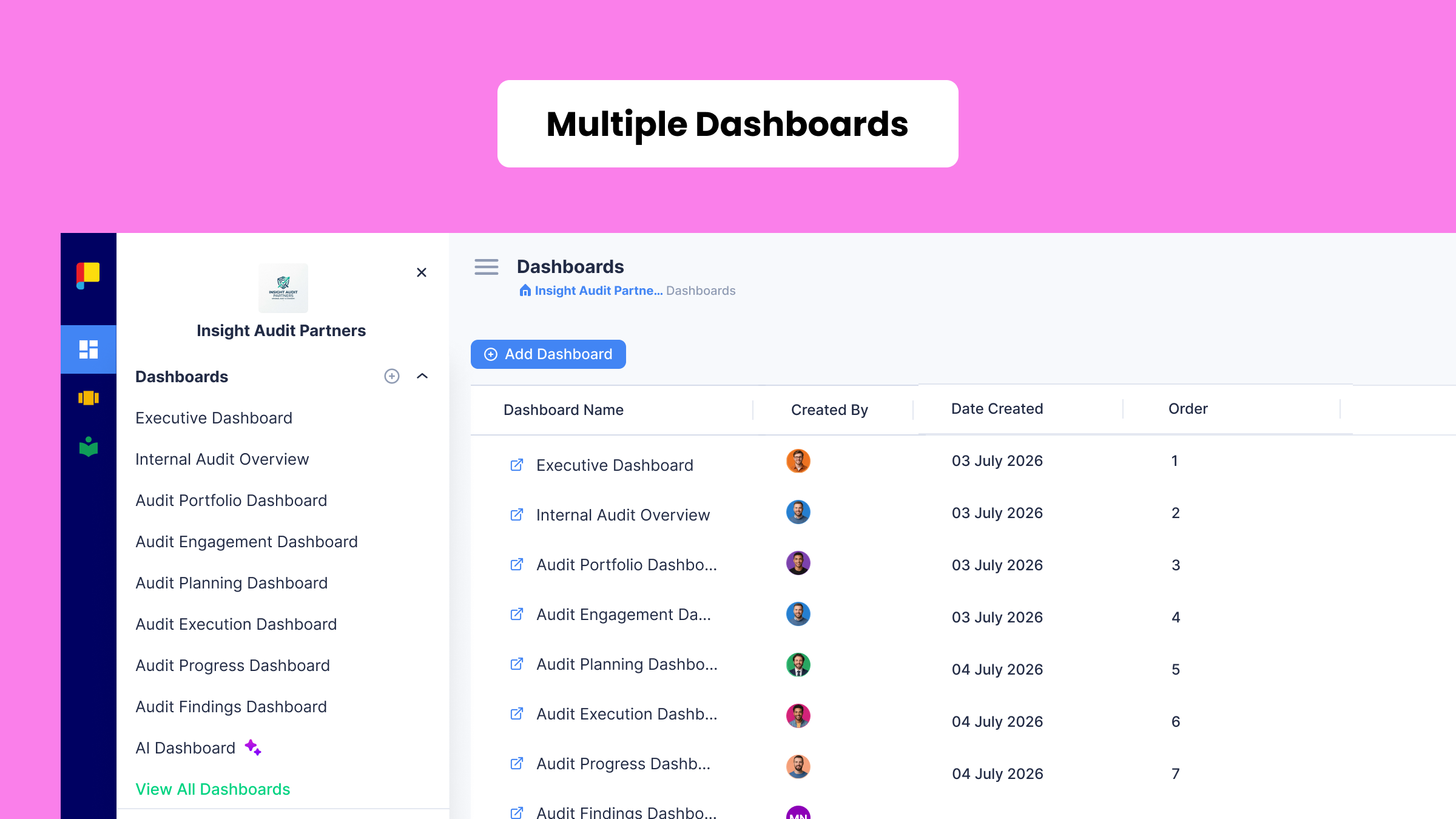
Multiple Dashboards: The View That’s Yours
 What it does
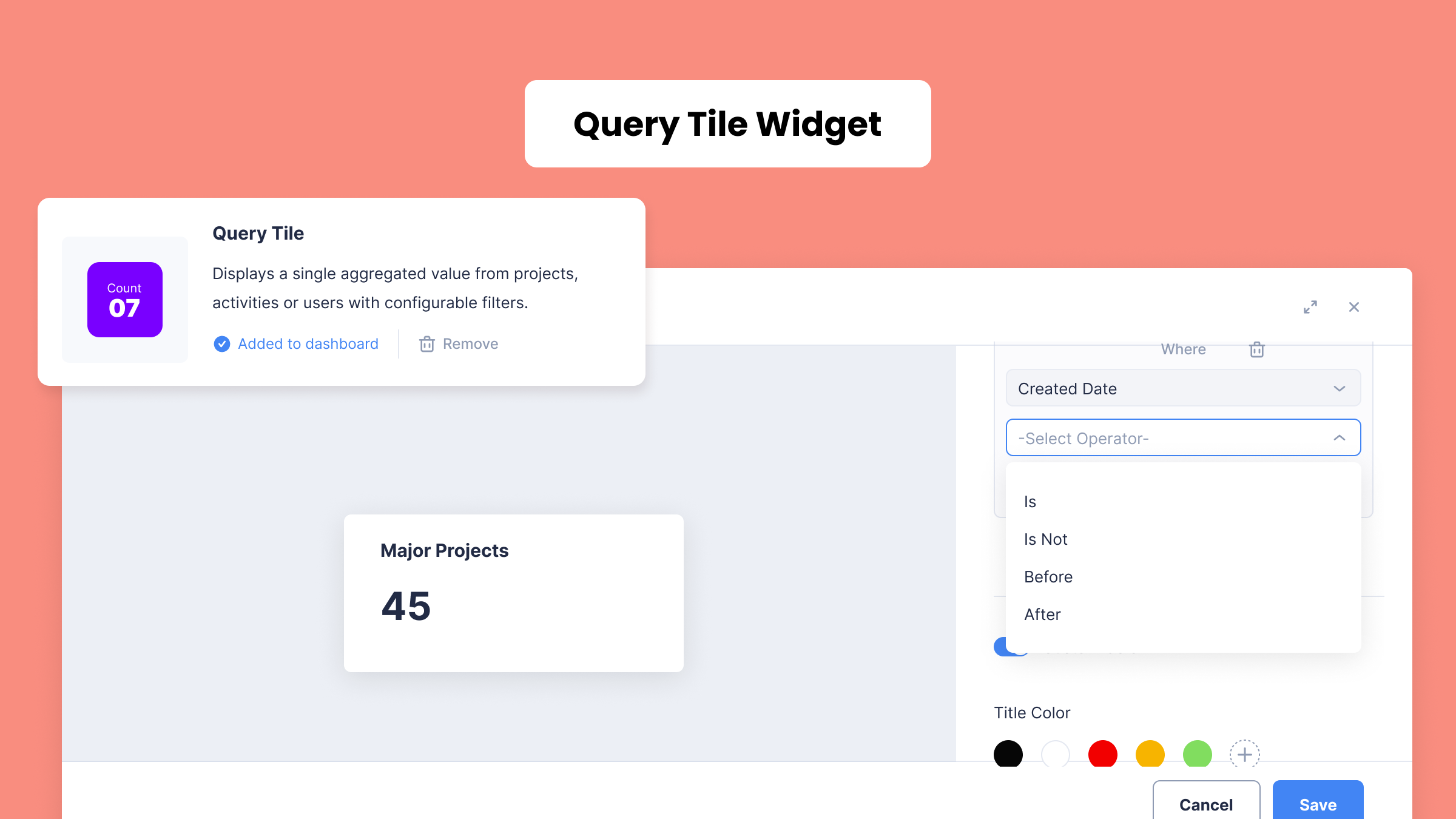
Build as many dashboards as you need, then populate them with Query Tile, a live widget you configure yourself. Planally Dashboards now feature an improved drilldown feature allowing easy access to your data.
How it works
- Create a new dashboard and name it.
- Add widgets including the new Query Tile and Content Block widgets.
- Configure Query Tile, then click to drill into records.
 Why it matters
- Every team gets the view that fits their work.
- Query Tile turns any question into a live answer.
- Drill-down turns a dashboard into a starting point for action.
This is just the start for Dashboards. More widgets and views are on the way.
Documents: Every Document, Exactly Where It Belongs
 What it does
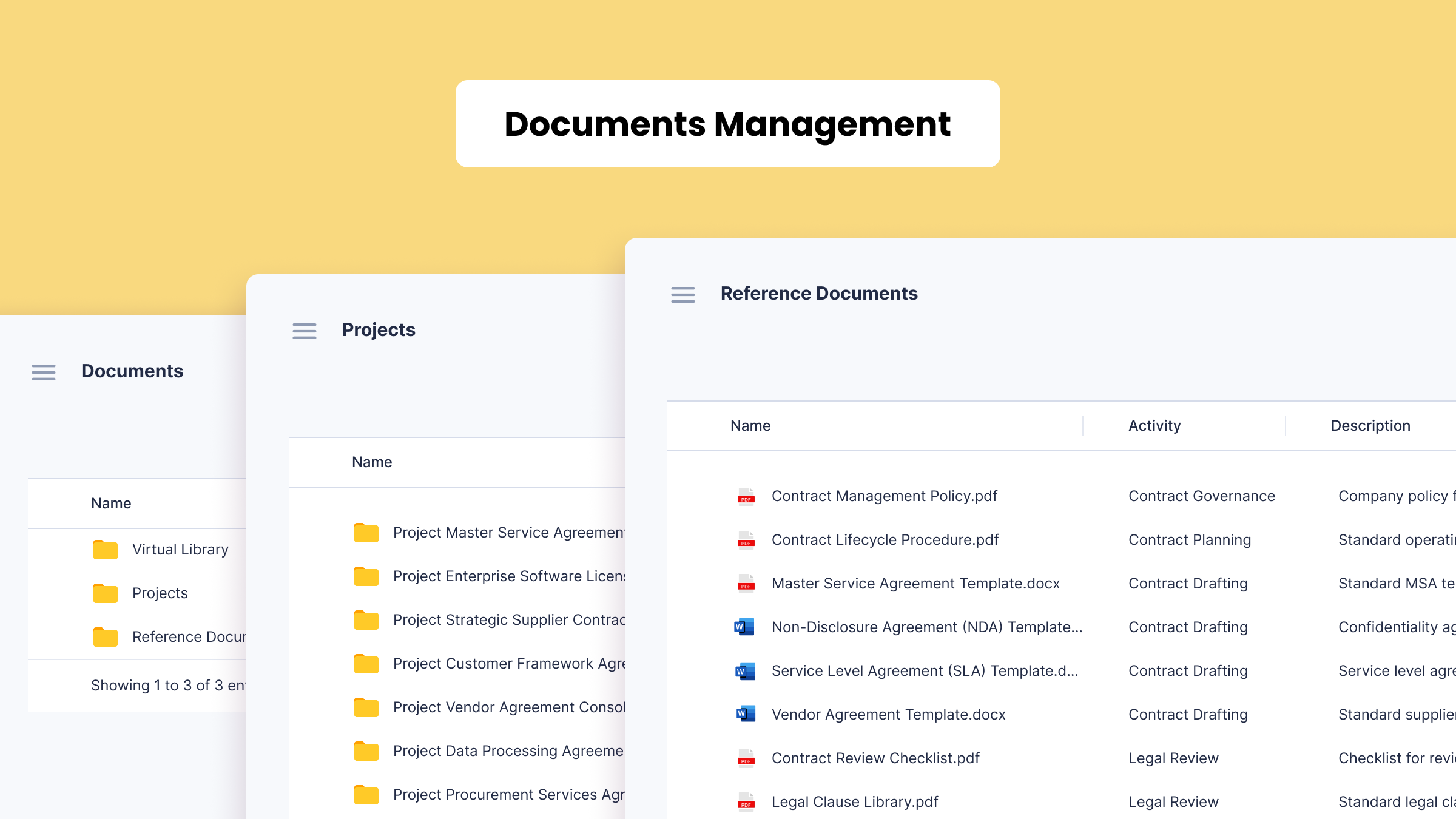
Admins now curate a library of standards and templates, while Planally automatically consolidates every workflow file and reference document.
How it works
- Open Documents to navigate three areas: Virtual Library, Workflow files, Reference Documents.
- Admins can add folders, files, or links to the Virtual Library.
Why it matters
- Standards live in one governed place.
- Every file surfaces automatically, users can navigate all documents throughout the workflow.
- Finding a document no longer means opening workflow after workflow.
Form Builder: Structured Data, Captured Inside the Form
 What it does
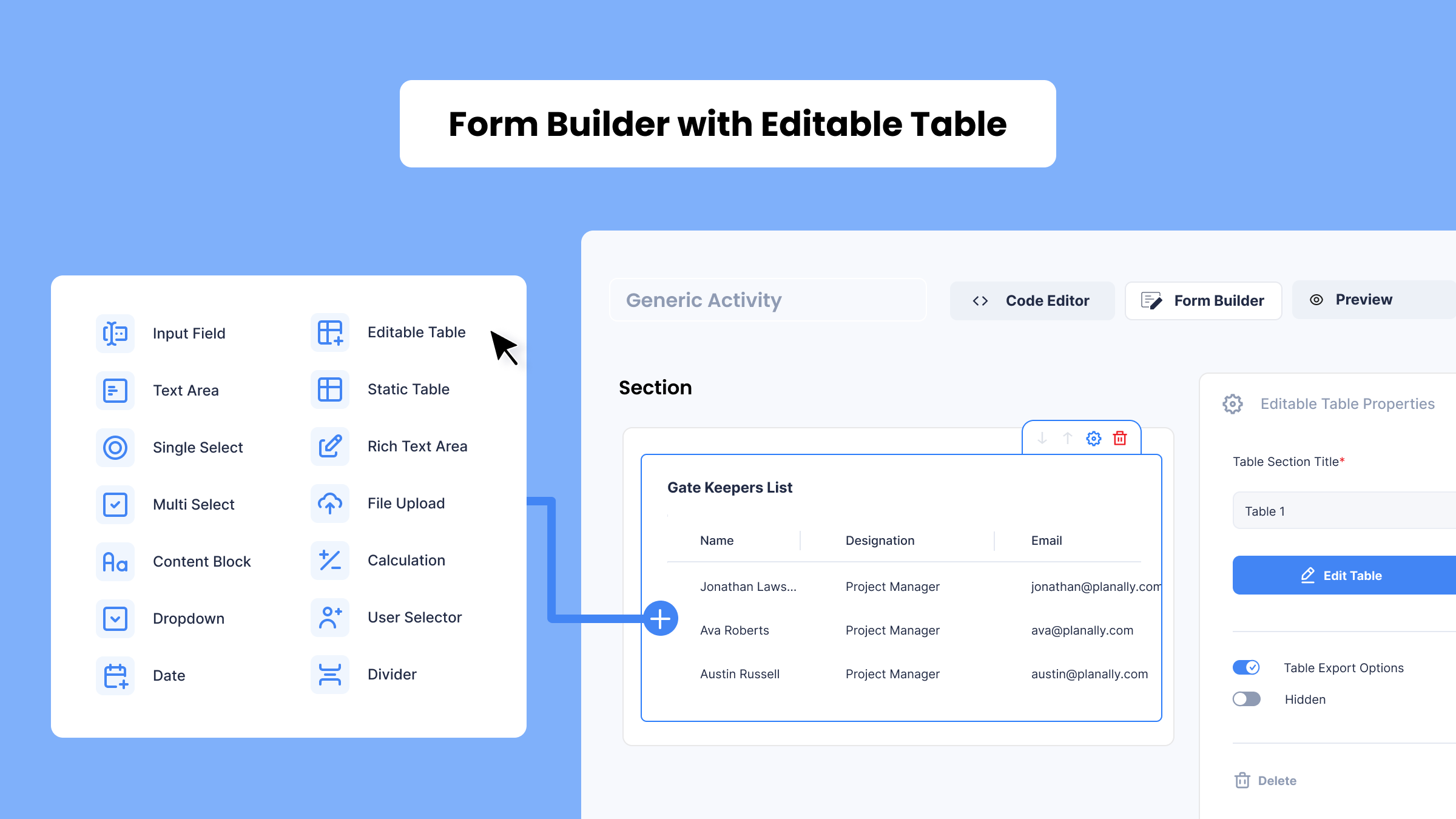
Form Builder now adds five new elements, featuring Editable Table for structured data captured directly inside your activity.
How it works
- Drag any of the five new elements into a section.
- Configure Editable Table’s columns: text, number, date, and more.
- Preview the template before publishing it.
Why it matters
- Structured data now lives natively inside the form.
- File Upload, Static Table, Rich Text, and User Selector round it out.
- Templates become a complete execution surface.
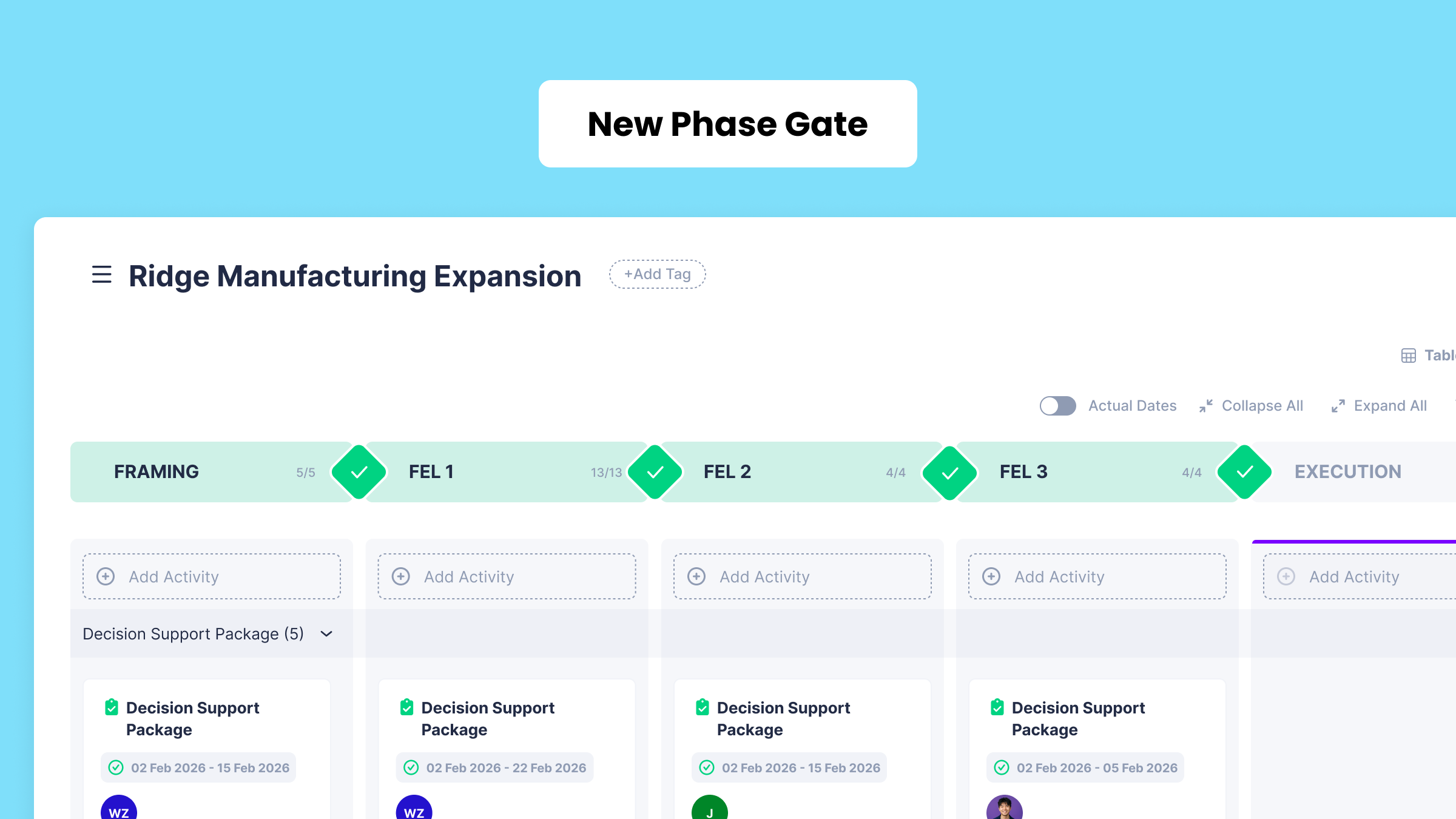
Phase Gate View: A Fresh Face for Familiar Work
 What it does
Same governed workflow you rely on every day, just with a sharper, cleaner look across the board.
How it works
- Open Phase Gate View exactly as before.
- Use the same cards, gates, and toggles you know.
- Notice the refreshed design across the board.
Why it matters
- No relearning required, every action works the same.
- A cleaner layout makes status easier to scan.
- Sets the foundation for future view updates.
Explore Our Planally Knowledge Base
Need help getting started? Visit our Planally Knowledge Base for step-by-step guides and best practices: docs.planally.com
What’s Next?
Version 7.0 is just the beginning. These updates reflect our commitment to making Planally the clearest, most responsive platform for governed execution. We’re focused on:
- Deepening Planally AI with more capabilities across your workflow data.
- Extending the Documents hub with more ways to organize and share files.
- Continuing to refine dashboards, notifications, and views based on how teams actually use them.
More features are already underway, and we’ll continue to improve based on your feedback.
Log in today and experience the new Planally.
Smarter workflows start here.