

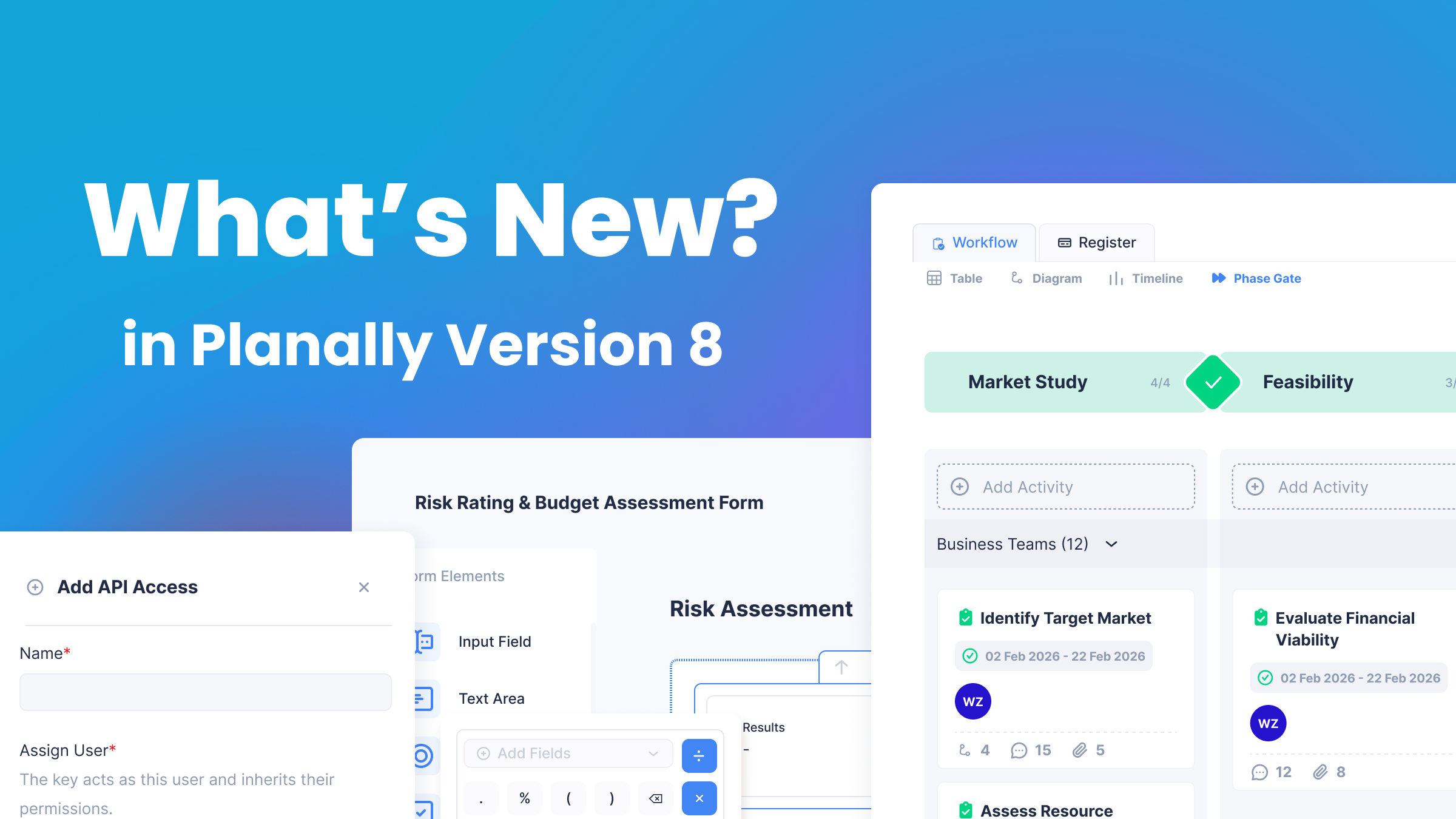
A Smarter Way to Capture, Calculate and Connect Your Work
Planally Version 8 is the release where your workflow starts to hold its own records, do its own math and connect to the rest of your systems.
The headline additions are Registers, which give every project structured, governed records, and the Formula Builder, which calculates ratings, totals and dates right inside your forms. Around them, Version 8 adds smarter forms, finer access control, a secure Developer API, notifications you can tailor, and a refreshed experience that speaks your organization’s language.
Here’s what’s new
Registers: Every Record, Right Where the Work Happens
 What it does
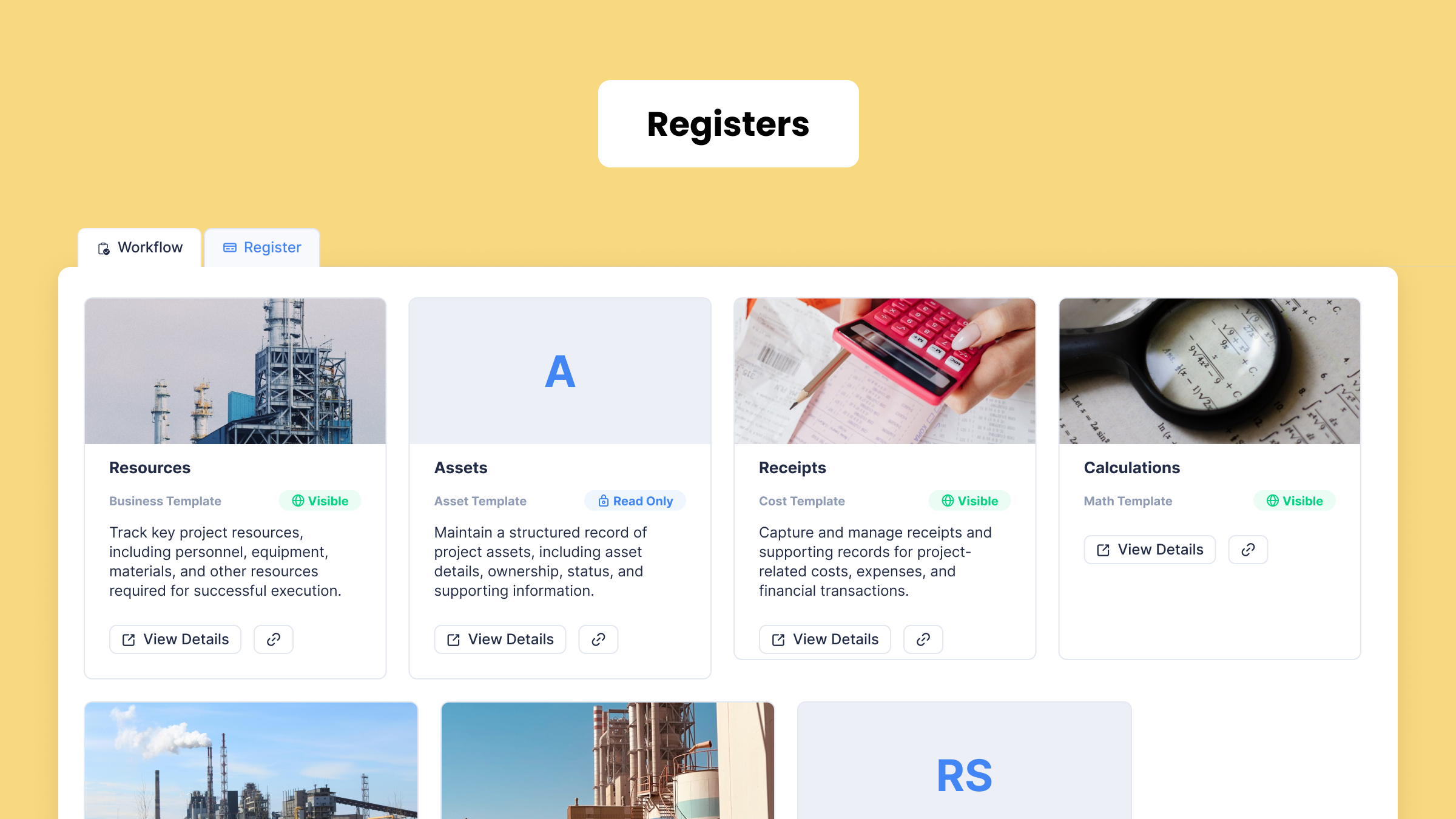
A register is a structured list of records kept inside a project. A risk register, an issue log, an asset list and an invoice tracker are all examples. Each record follows a form your team designs in Form Builder, so every entry captures the same information in the same way, on every project in the workflow.
How it works
- Admins design the record in the Form Builder, then create a register from it.
- Each register has an access level: Public, Read Only, Private or Draft.
- Teams add, view and update records inside the project, in a searchable table.
Why it matters
- One structure used the same way on every project.
- Records stay with the project they belong to.
- Access is controlled, not left to whoever holds the spreadsheet.
Formula Builder: Let Your Forms Do the Thinking
 What it does
Manual calculations are where good data quietly goes wrong. Someone applies last year’s scoring matrix, or a total is typed rather than added up. The new Formula element in Form Builder takes that work off your team entirely.
How it works
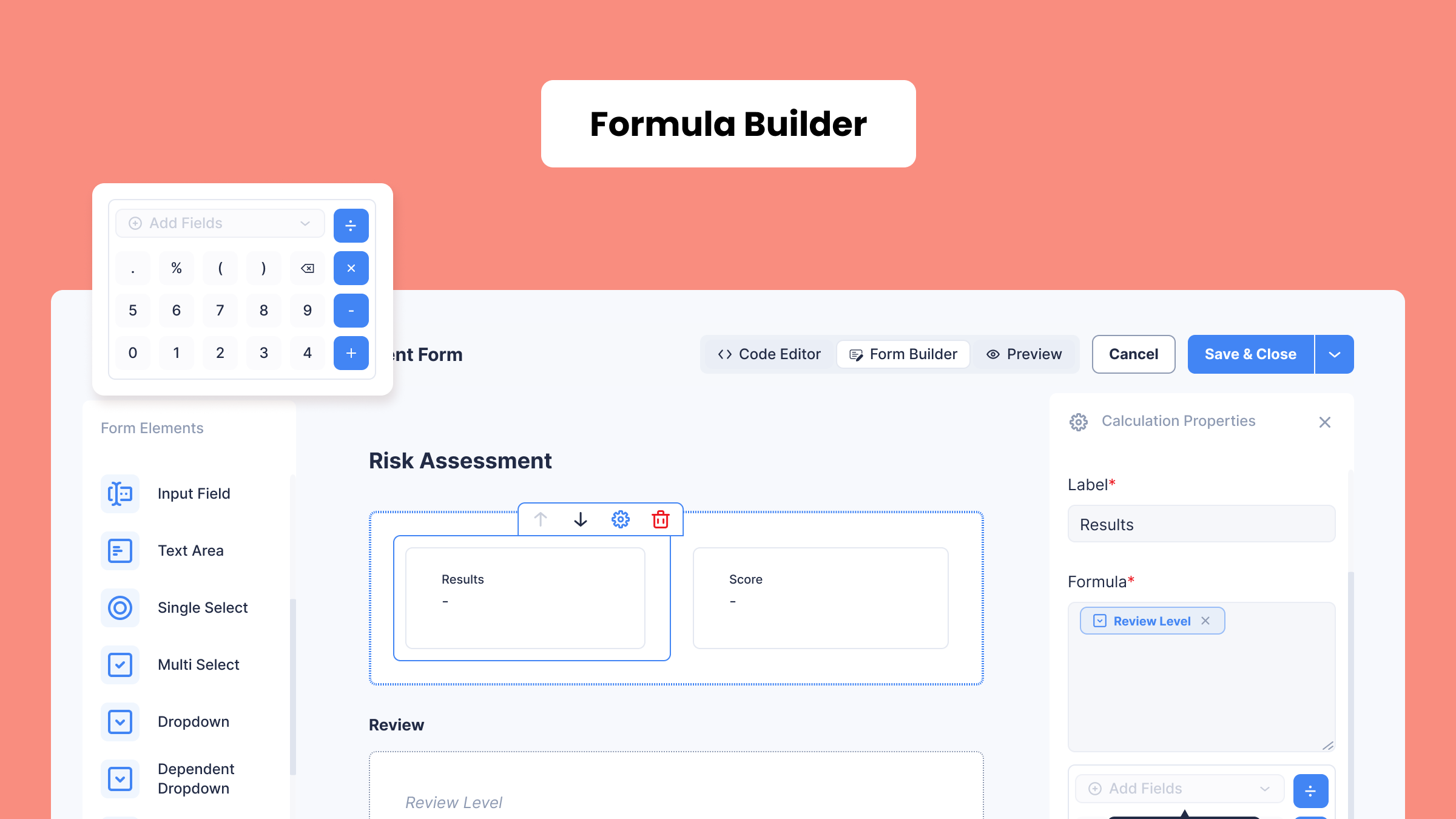
- Add a Formula field to any form, or a Formula column to an editable table.
- Type $ to insert a field and # to insert one of 29 built-in functions.
- Show the result as a number, currency, percentage or date.
Why it matters
- Risk ratings, invoice totals and deadlines are calculated the same way every time.
- No manual math and no side spreadsheets.
- Planally recalculates every formula when the form is saved, so results can be trusted.
Form Builder: Forms That Adapt as You Fill Them
 What it does
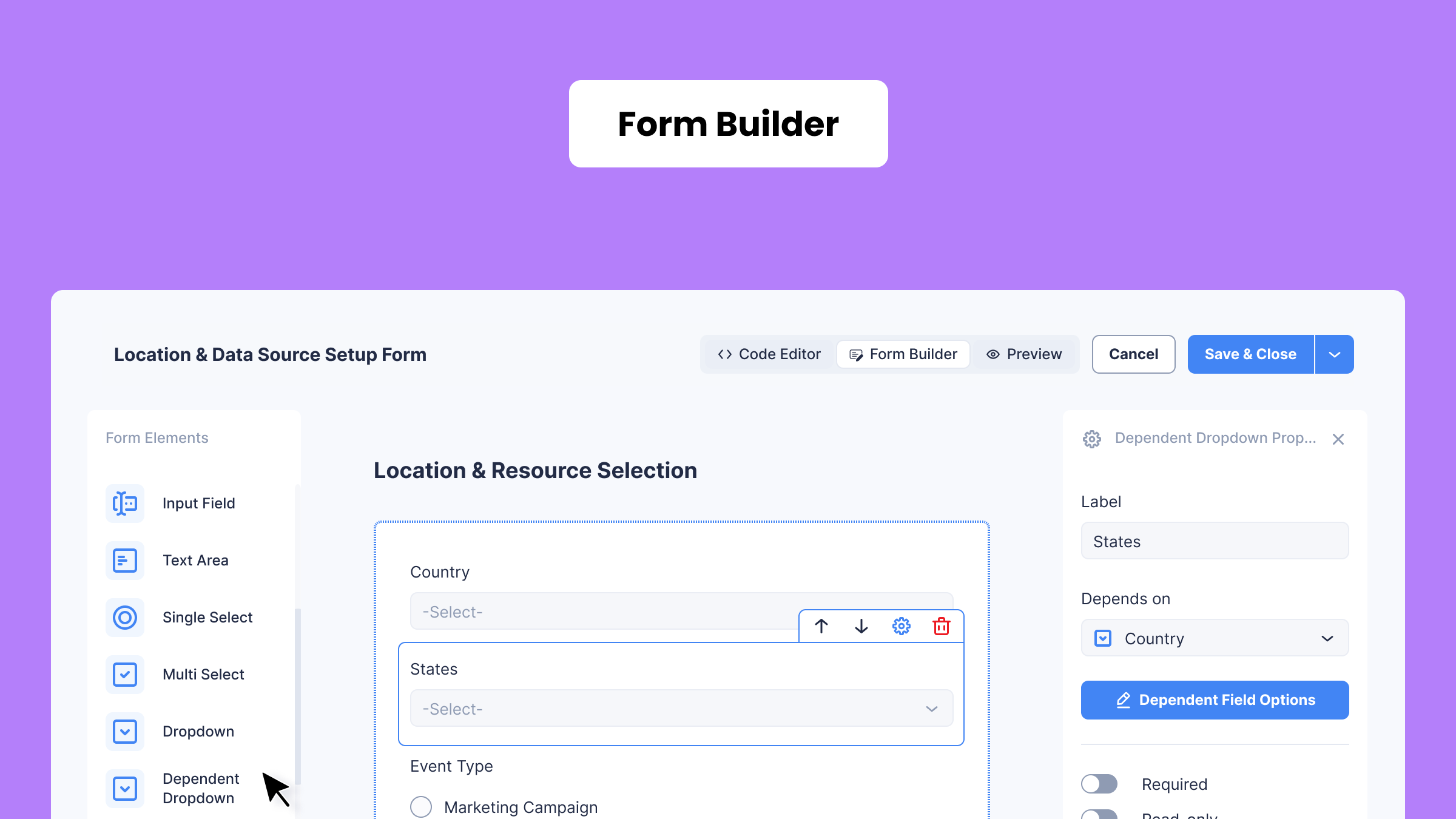
Version 8 adds three new elements to Form Builder: Dependent Dropdowns, Data Source fields and Formulas. Together they make forms respond to the person filling them in. Choices narrow as answers are given, options come straight from the lists your admins already maintain, and calculated values fill themselves in.
How it works
- Dependent Dropdowns: the options in one list depend on an earlier answer, such as Country → State → Area. They work in forms and as editable-table columns.
- Data Source fields: options come straight from the configuration lists your admins already maintain, such as Business Segment, OPU or Asset Type.
- Formulas: calculated fields and table columns work out ratings, totals and dates as the form is filled in. Hidden helper columns, such as rates or weightings, can feed a calculation without cluttering the view.
Why it matters
- Cleaner, more accurate data from the first entry.
- Lists maintained once and used in every form.
- Less typing and no manual calculations for the people filling forms in.
Access & Visibility: The Right People, on the Right Projects
 What it does
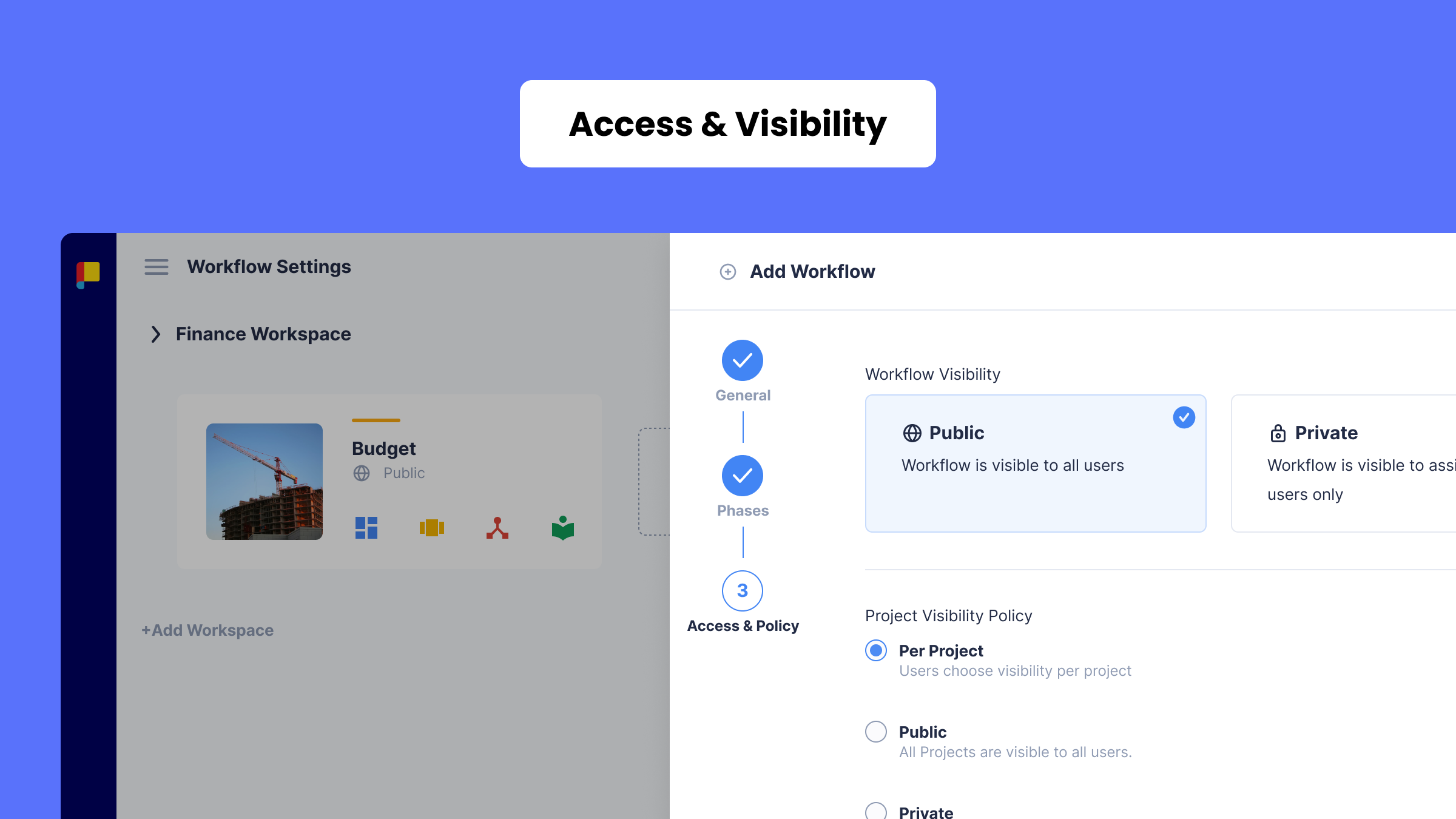
For admins, this means setting governance once instead of project by project. For executives and PMO teams, it means seeing the full picture without waiting to be added to every project. Version 8 makes both possible.
How it works
- Permission Inheritance: set permission and approval policies once on the roadmap, and new activities inherit them.
- Project Visibility Policy: choose Per Project, All Public or All Private for each workflow.
- Workflow User role: read-only oversight of every project in a workflow, without being added to each one.
Why it matters
- Governance that is set once and applied everywhere.
- Leaders and PMOs see the full picture without admin overhead.
- Fewer manual permission changes, and fewer mistakes.
Developer API: Planally, Connected to Your Systems
 What it does
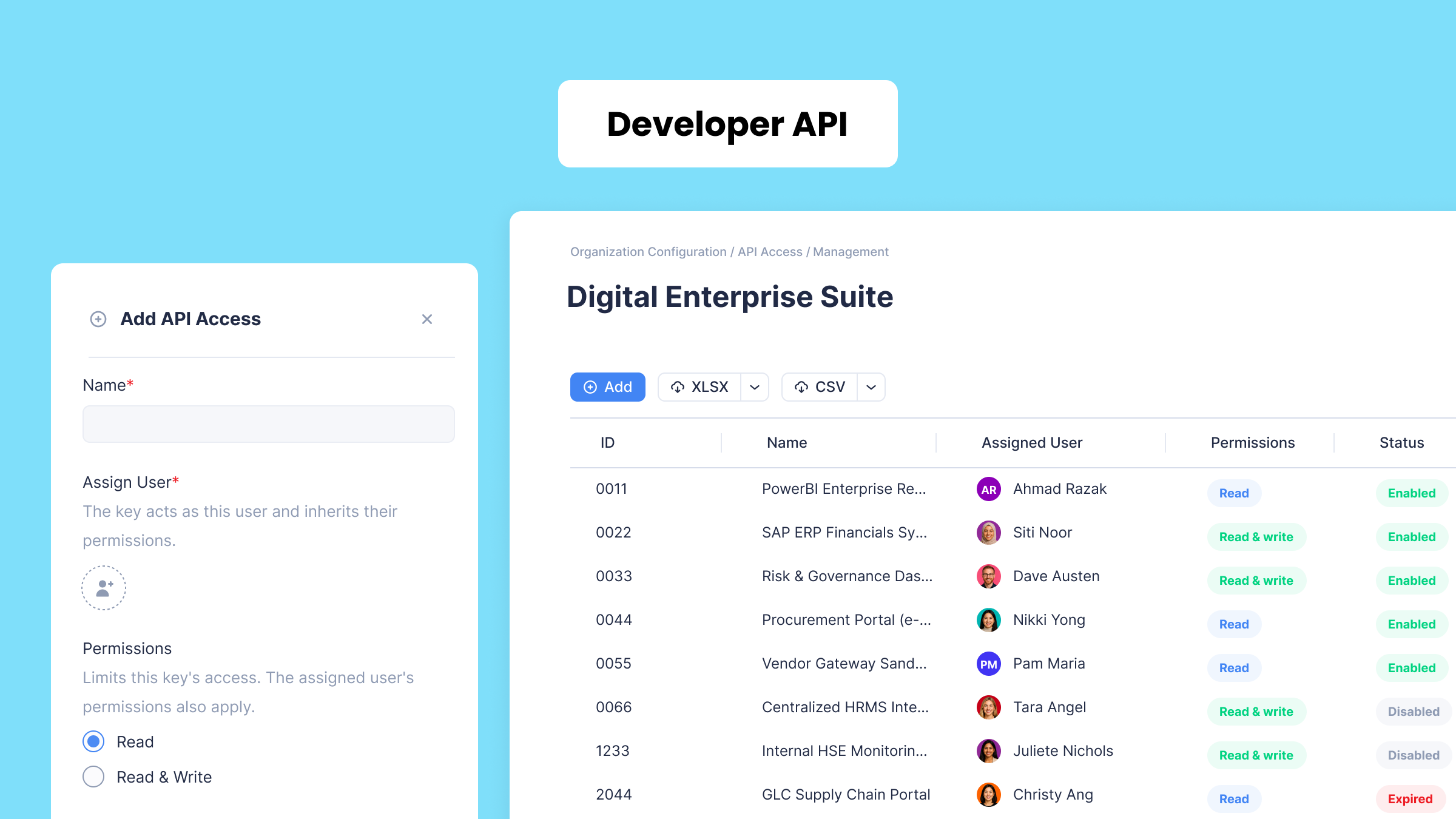
Lets your IT team securely connect Planally with reporting tools and business systems.
How it works
- Super Admins create API keys in the new API Access Management page and assign each one to a user.
- Keys can be Read or Read & Write, with an expiry date and a record of when they were last used.
- Every connection follows the permissions of the key’s assigned user, exactly as your teams do.
Why it matters
- Project and activity data flows into the tools you already use.
- Less manual exporting and re-keying.
- Access stays governed and auditable.
Notifications: Your Inbox, Your Way
 What it does
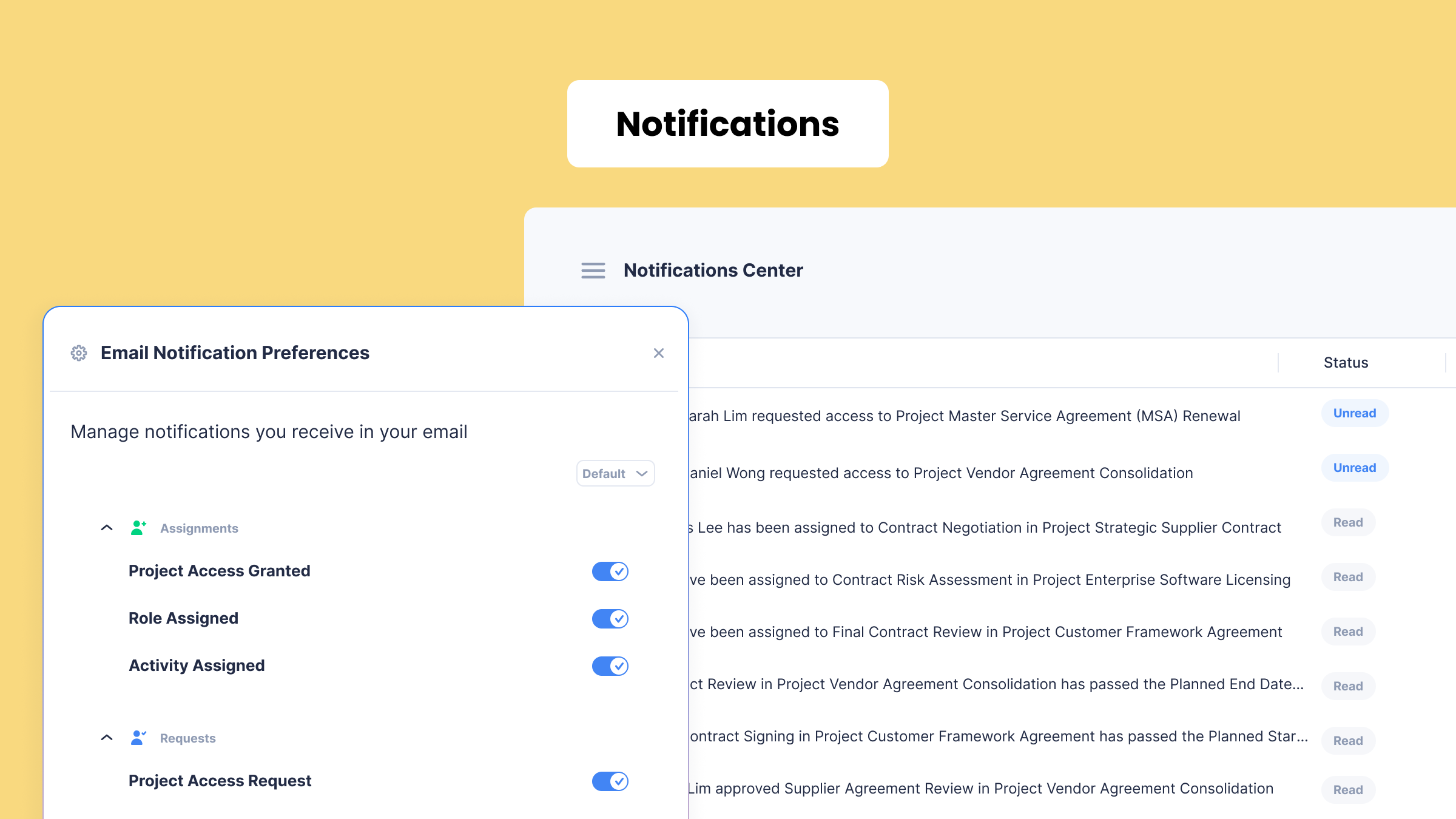
Not every update deserves an email, and the ones that matter are easy to miss in a crowded inbox. The new update puts each user in charge of which alerts reach them, so approvals and assignments stand out and everything else stays in the Notification Center.
How it works
- Choose which project, assignment, approval, request and activity updates reach your inbox.
- Start from All Enabled, All Disabled or Default (Recommended), then fine-tune.
- New notices tell approvers when a request no longer needs them.
Why it matters
- Less noise, more signal.
- Important approvals and assignments stand out.
- Every user decides what matters to them.
A Refreshed Experience: Your Workflow, in Your Words
 What it does
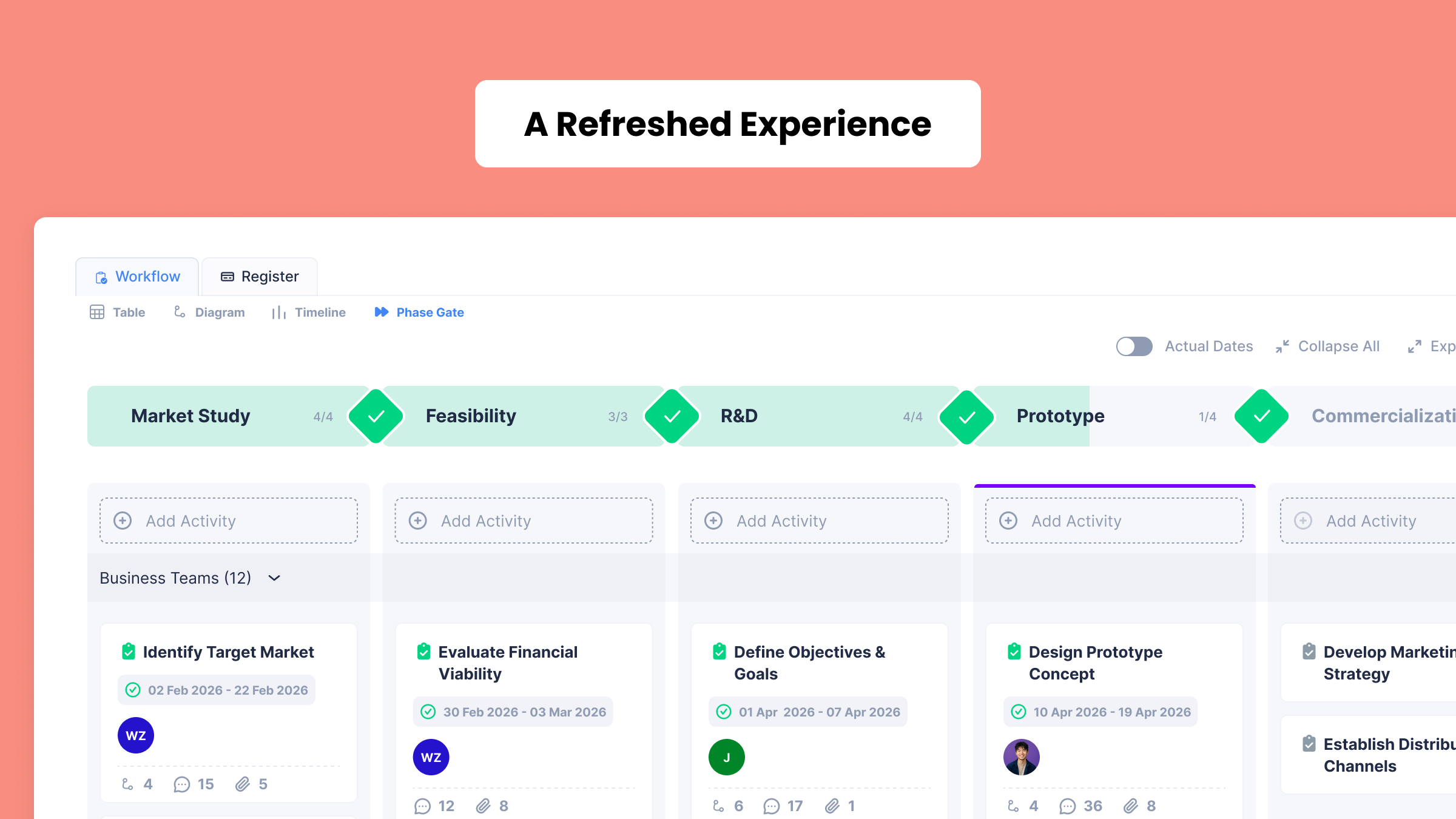
Makes Planally feel more like your organization and faster to move around.
How it works
- Rename “Project” and “Activity” in each workflow to match your language, e.g. Contract, Case, Task or Step.
- New indicators on Phase Gate cards show related work, pending approvals, discussions and attachments at a glance.
- Share any activity with a direct link, and move faster with a redesigned breadcrumb, tabs and navigation.
Why it matters
- Teams see the terms they already use.
- Status is visible without opening every activity.
- Less clicking, more doing.
Explore Our Planally Knowledge Base
Need help getting started? Visit our Planally Knowledge Base for step-by-step guides and best practices: docs.planally.com
What’s Next?
Version 8 lays the foundation for structured, connected work. Next, we’re focused on:
- Making it even easier to report on Registers and form data across your projects.
- Expanding the Developer API so Planally connects with more of your systems.
- Continuing to refine views, dashboards and navigation based on how your teams use them.
Log in today and experience the new Planally.
Smarter workflows start here.